Every screen
Sign in, setup and crew setup
The screens you meet before you reach the main app: signing in, the first-run wizard, joining or creating a crew and the legal pages.
27 screens. Paths in the second column are the screen's address inside the app.
| Screen | Path | What it does |
|---|---|---|
| Start screen | / | The gate. Signed-out visitors go to the intro, signed-in people are sent to the wizard, crew setup or Home, depending on how far along they are. |
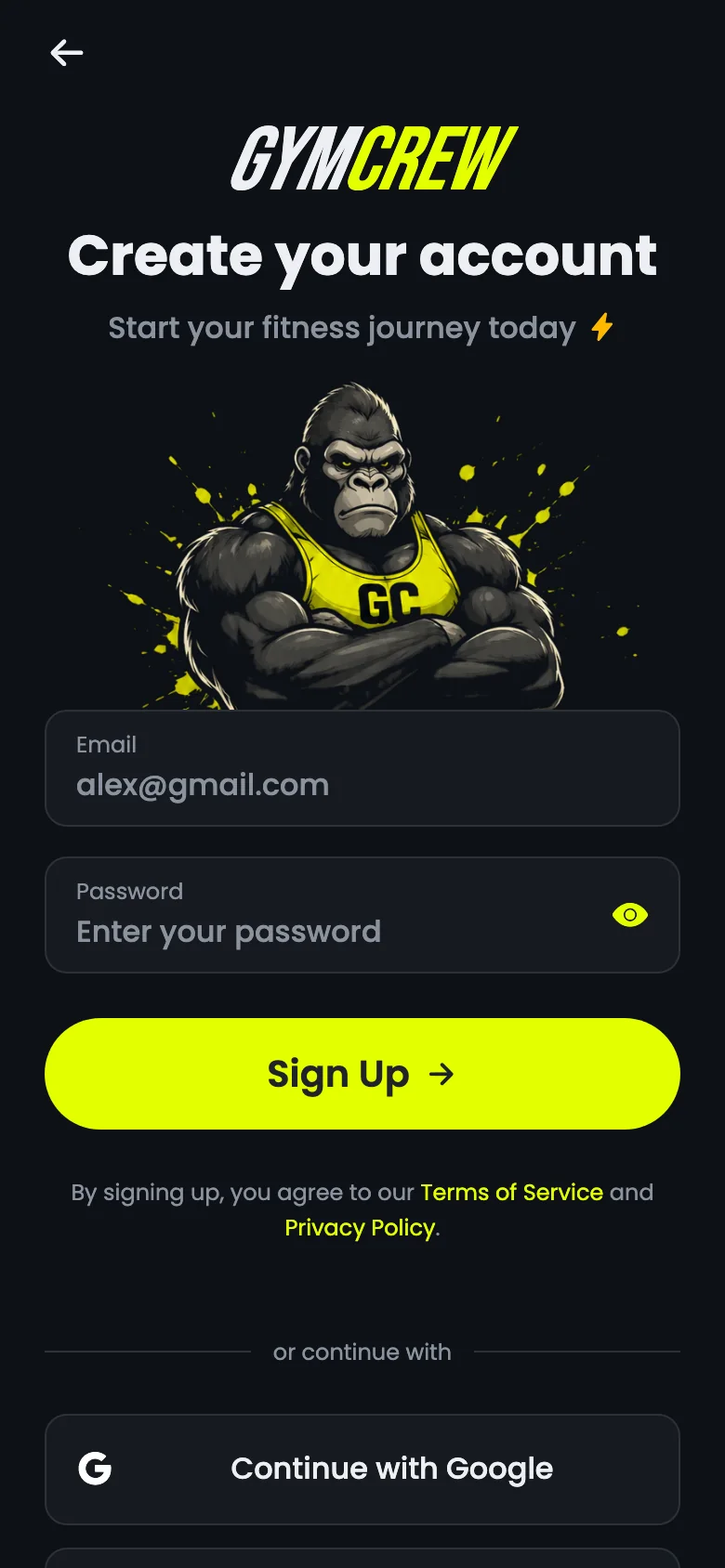
| Sign up | /sign-up | Create an account with email and password (with an emailed code) or with Google, Facebook or Apple. |
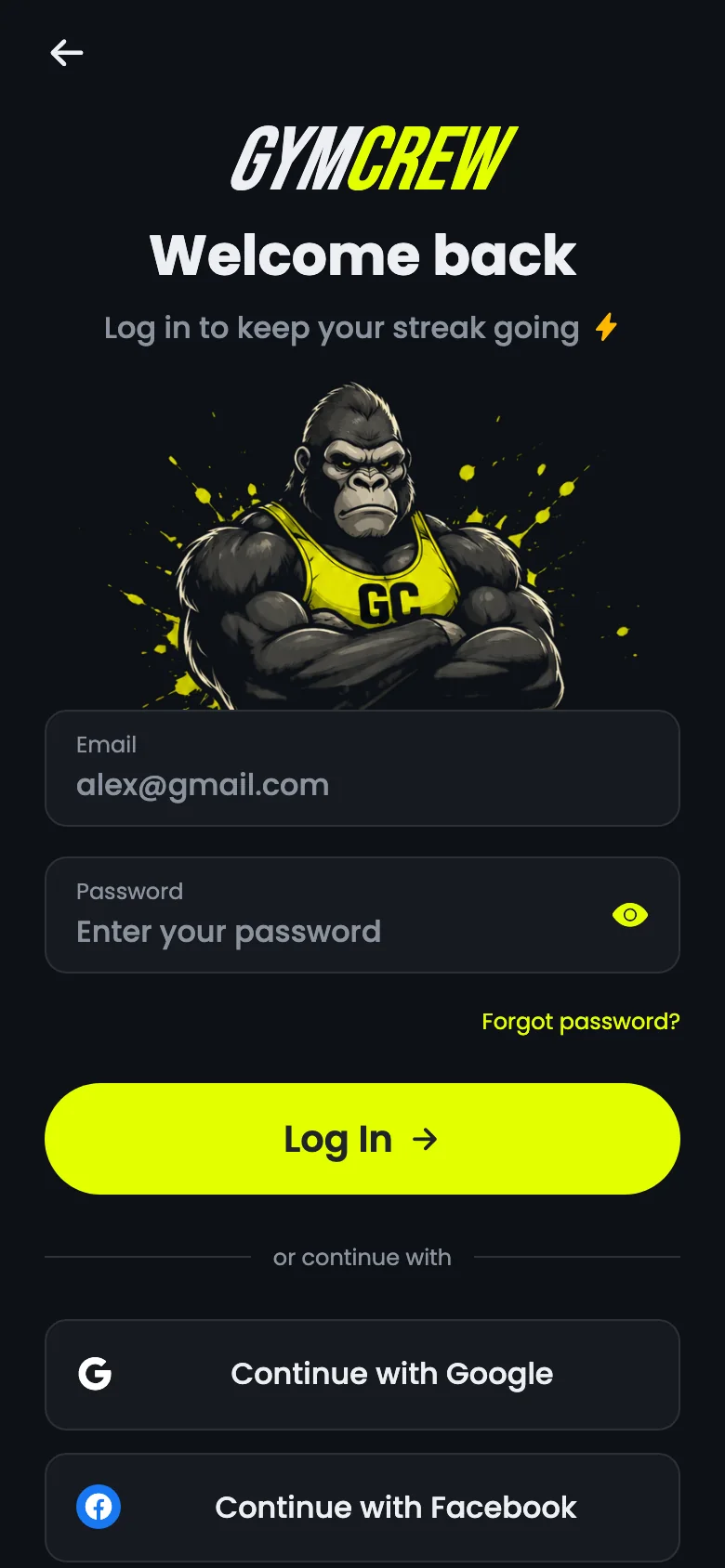
| Sign in | /sign-in | Email and password or a social account. Handles the extra emailed code on a new device and always offers a way out if it takes long. |
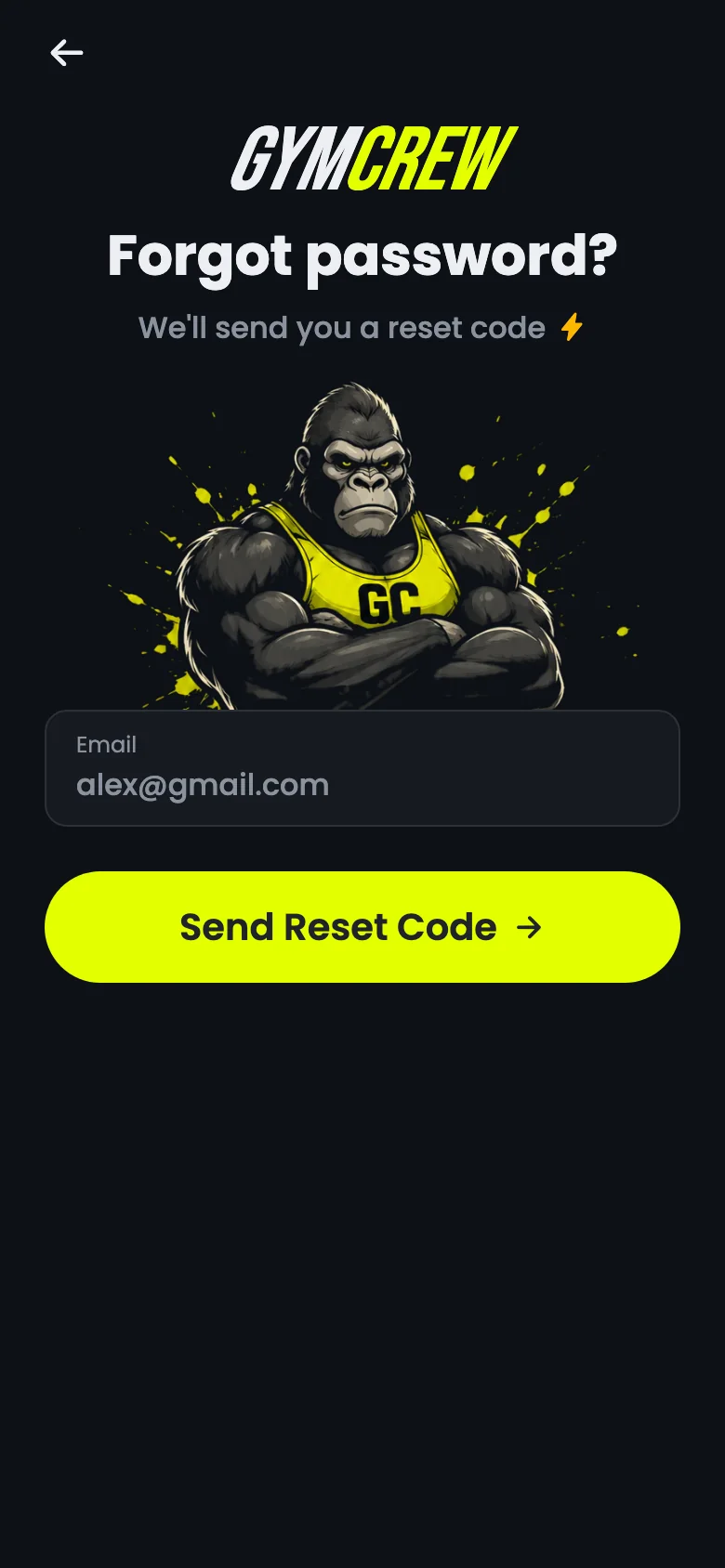
| Forgot password | /forgot-password | Enter your email, then the emailed code, then a new password. |
| Auth hand-off | /auth-handoff | Opens from the Open the App button on the GymCrew website and signs a Founding Athlete straight in. |
| SSO callback | /sso-callback | A spinner shown for a moment while a Google, Facebook or Apple sign-in finishes. |
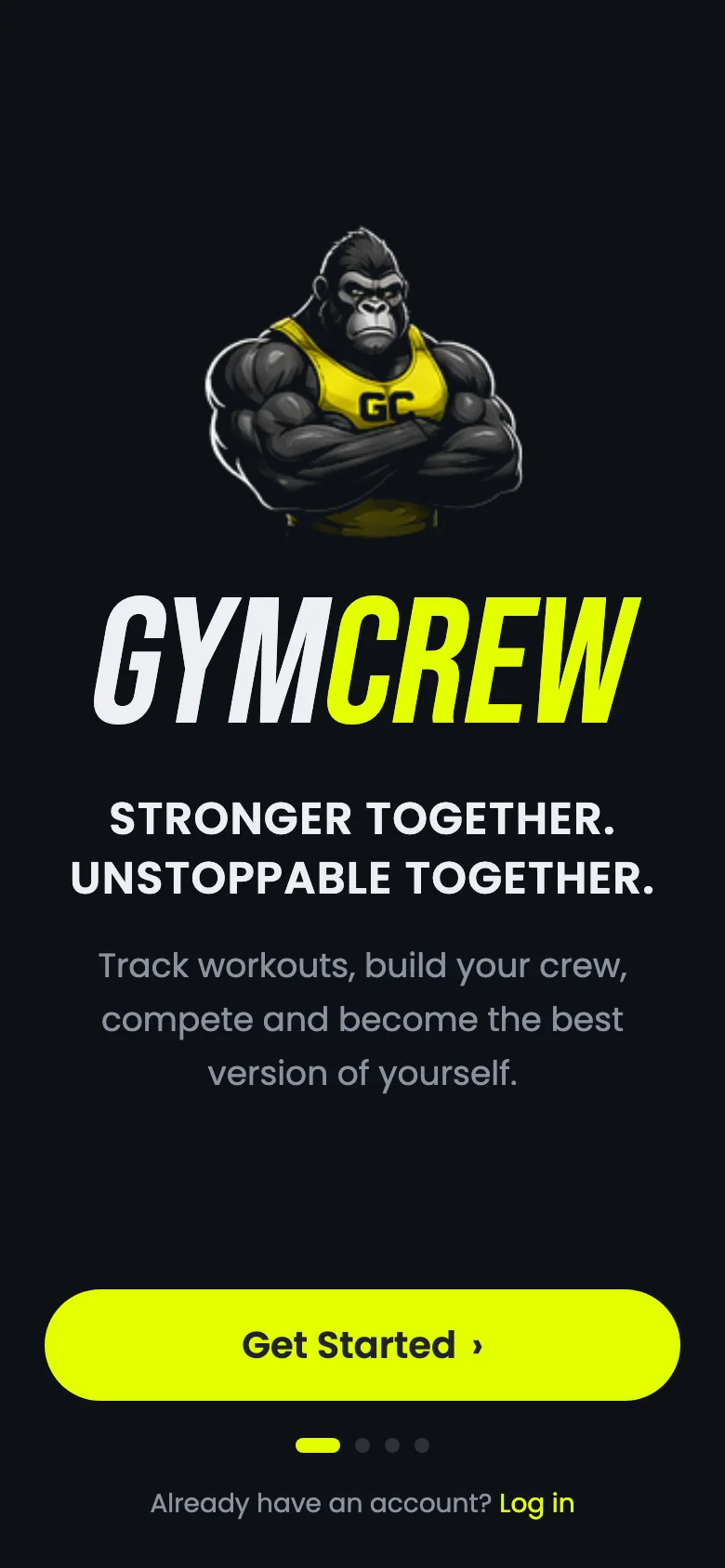
| Onboarding intro | /onboarding | The first screen of the wizard, with Get started and a log-in link. |
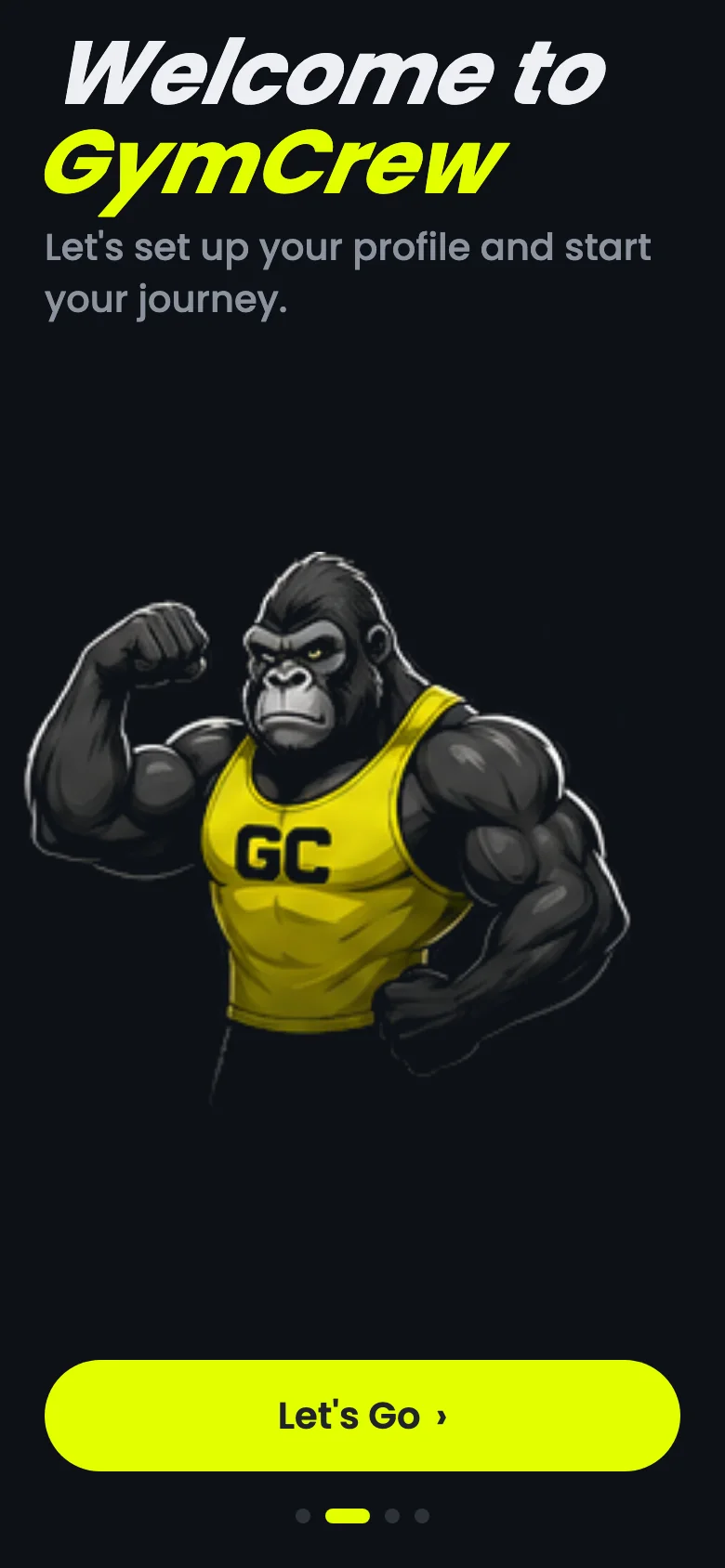
| Welcome | /onboarding/welcome | A short welcome before the questions. |
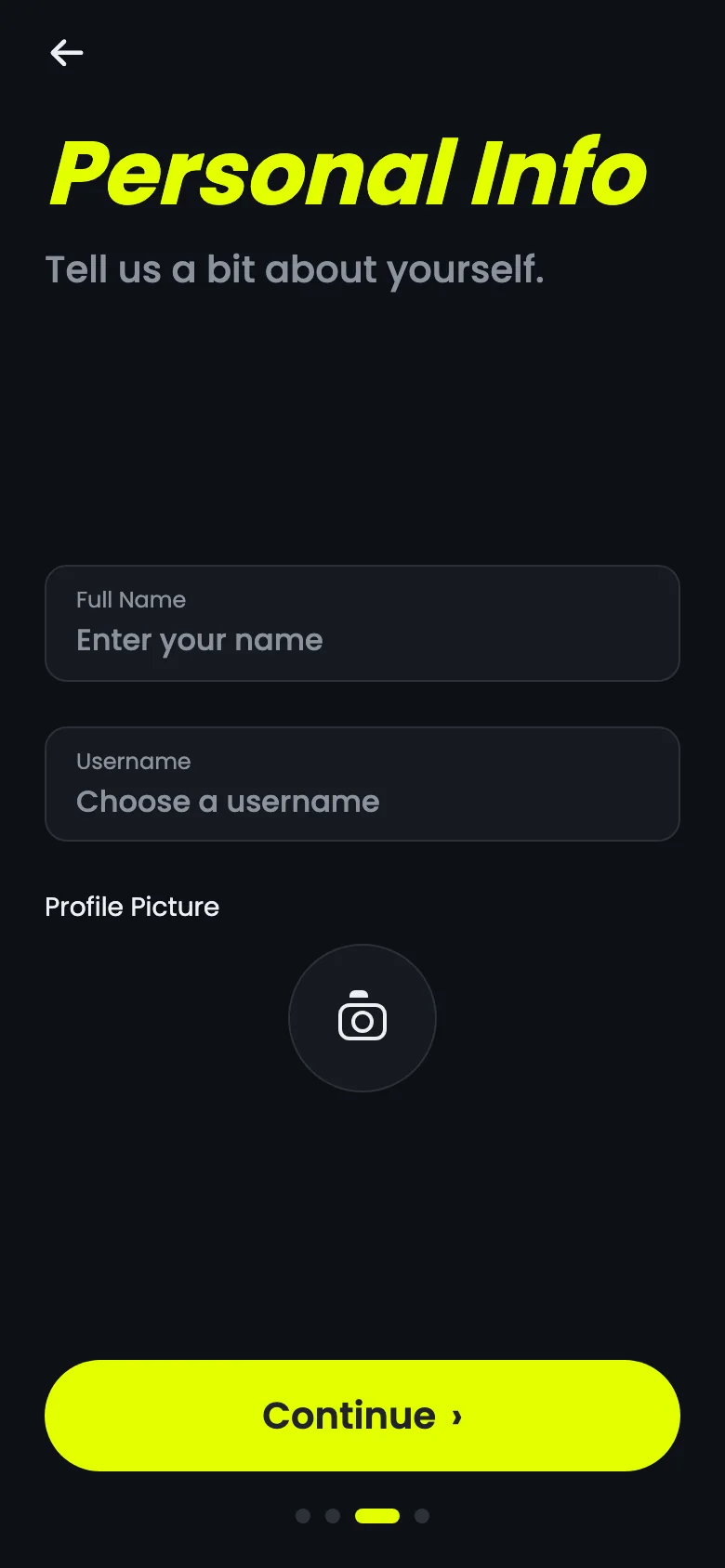
| Personal info | /onboarding/personal-info | Your full name and a username, checked live for availability. |
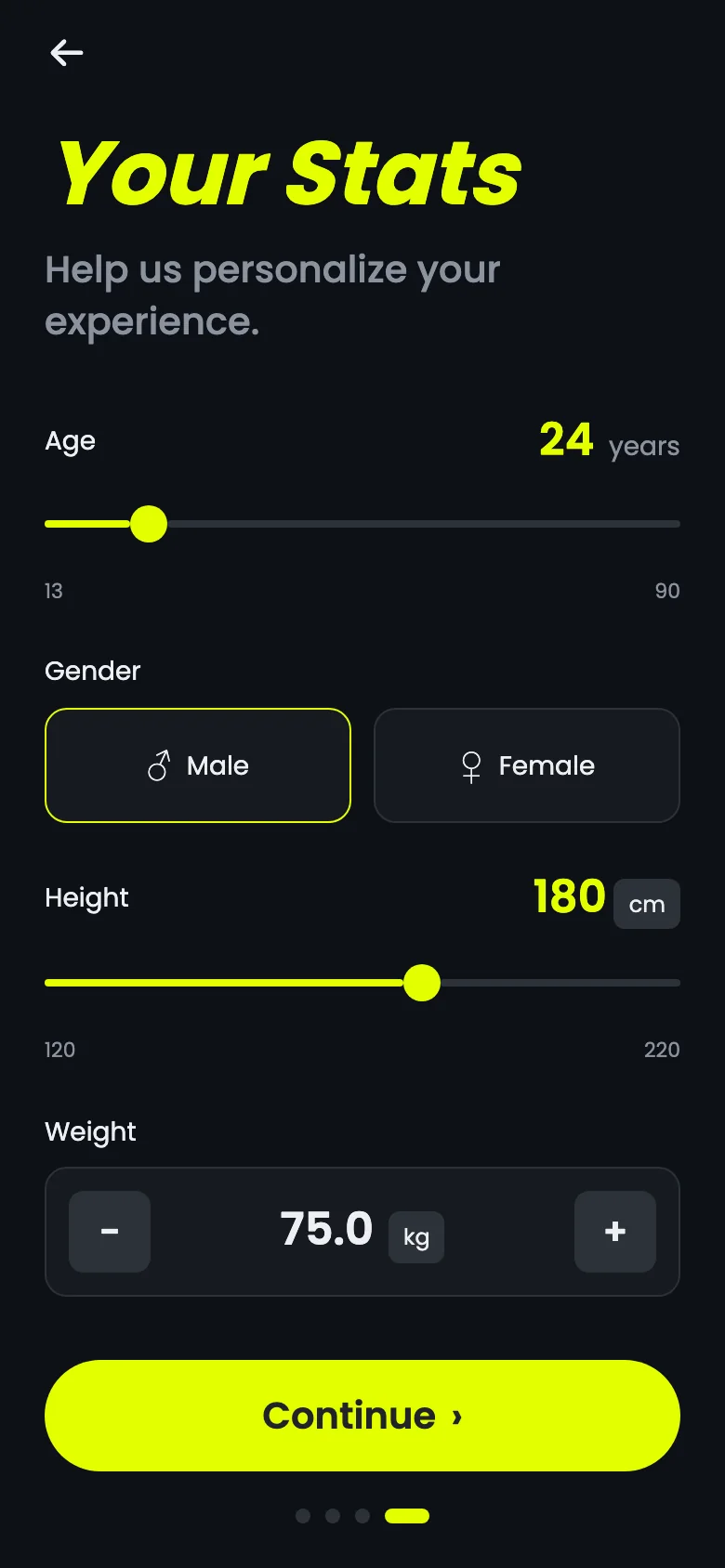
| Your stats | /onboarding/your-stats | Age, gender, height and weight, which the fair rank system needs. |
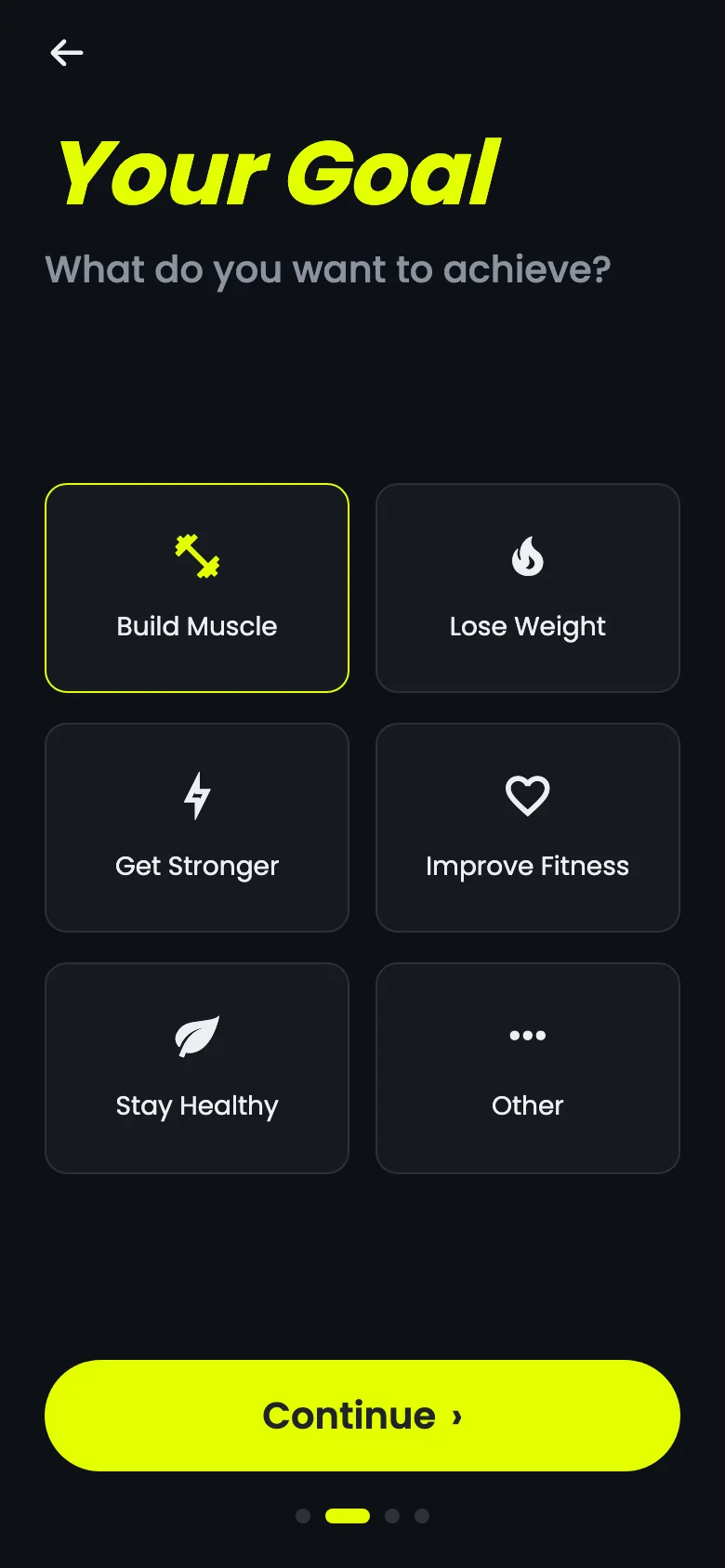
| Your goal | /onboarding/your-goal | Pick your main goal: Build Muscle, Lose Weight, Get Stronger, Improve Fitness, Stay Healthy or Other. |
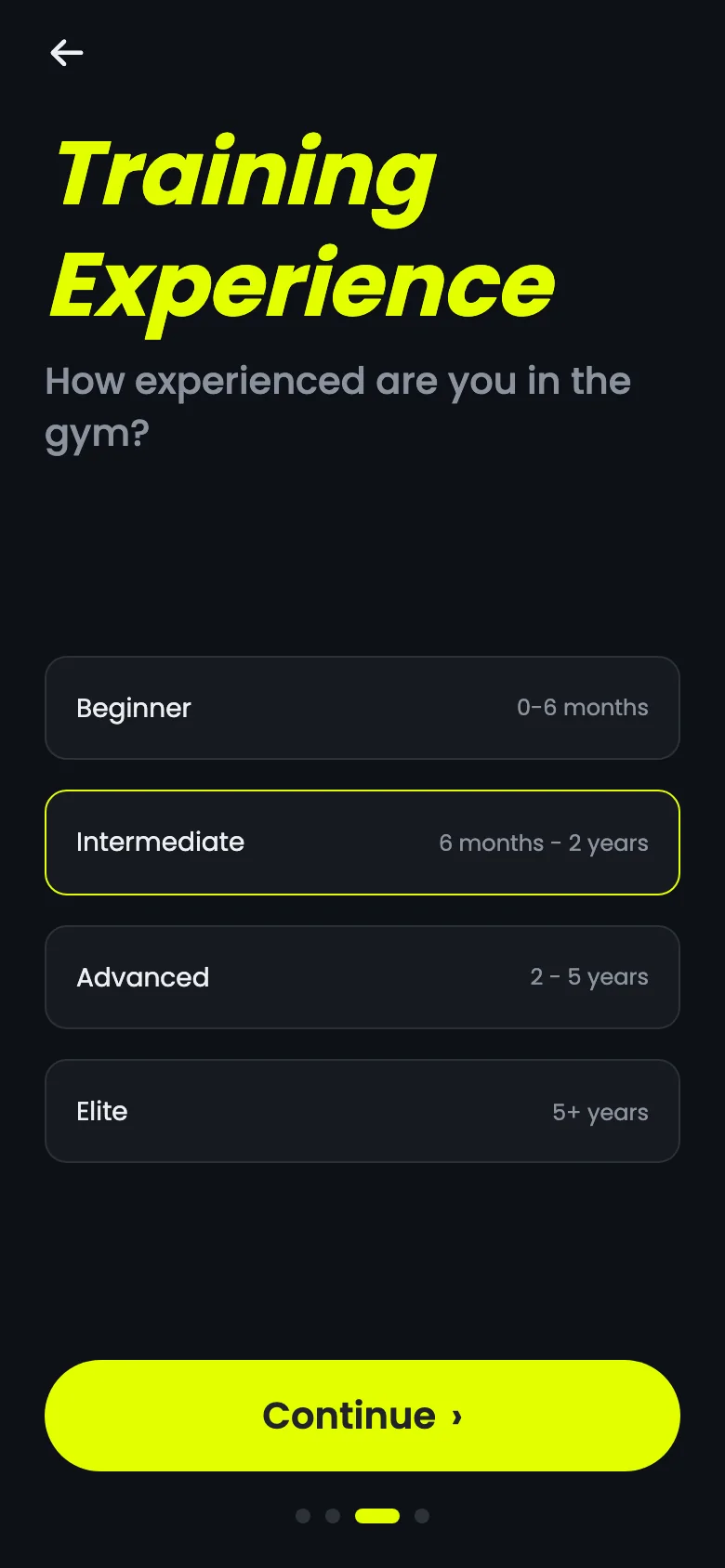
| Training experience | /onboarding/training-experience | Beginner, Intermediate, Advanced or Elite. |
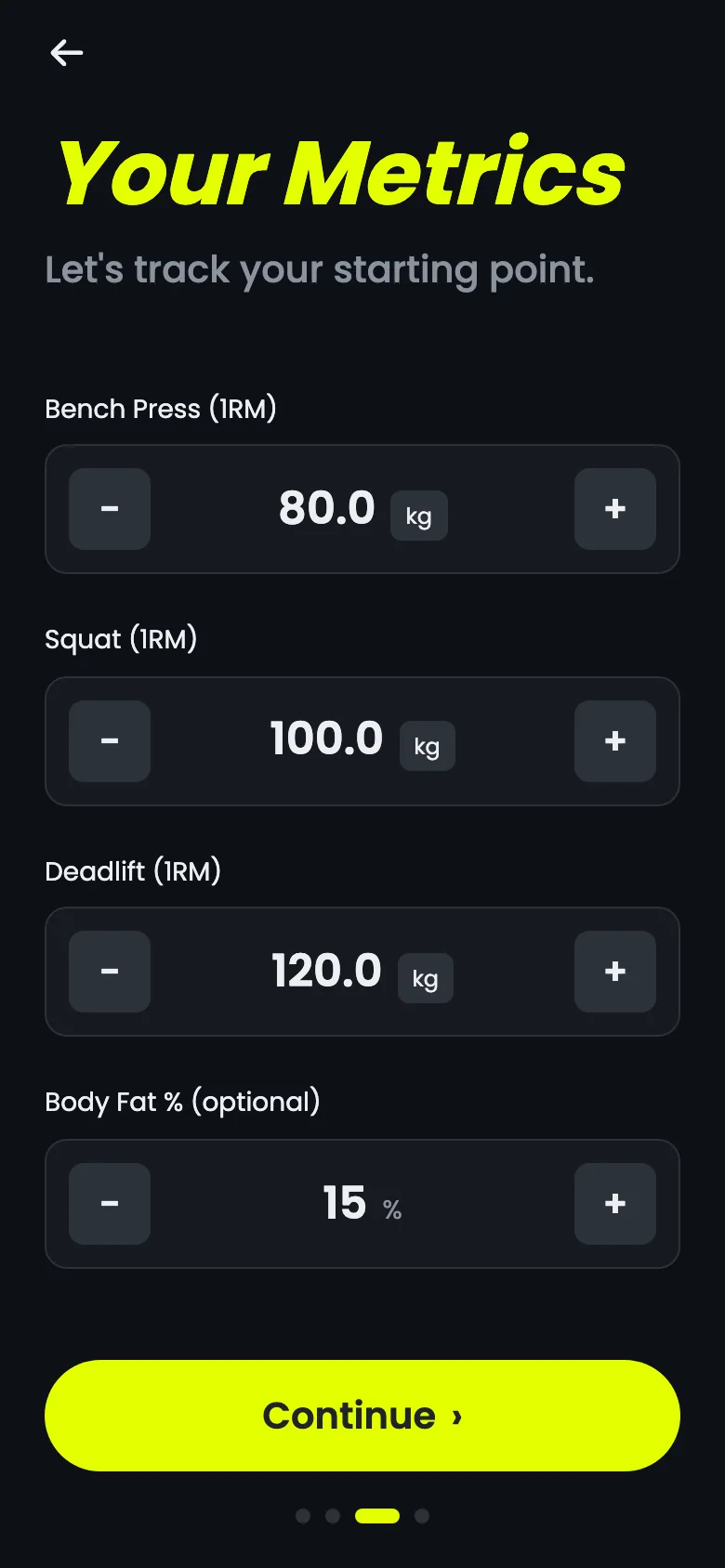
| Your metrics | /onboarding/your-metrics | Your best bench press, squat and deadlift, and optional body fat. |
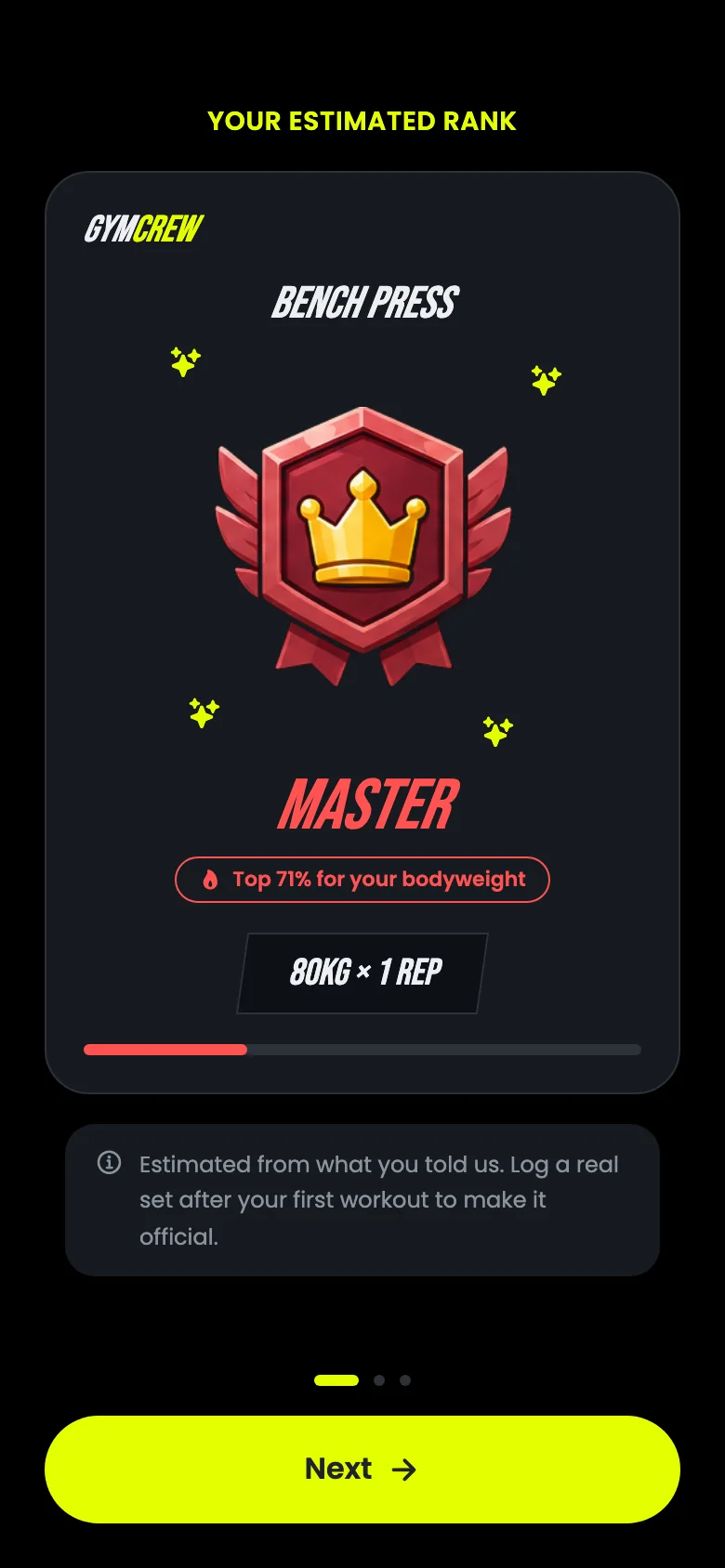
| Rank reveal | /onboarding/rank-reveal | A preview of your rank from those lifts. It is not saved as a record. |
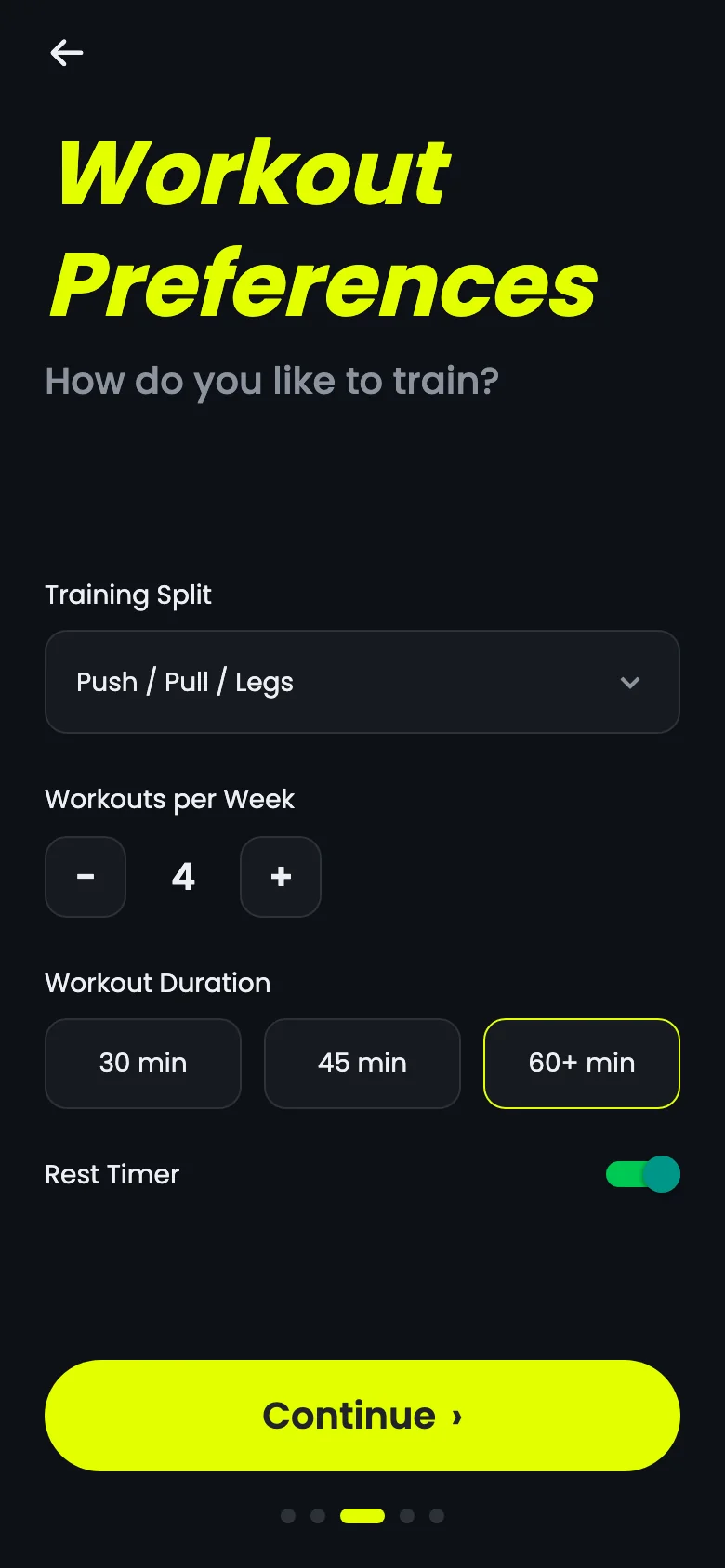
| Workout preferences | /onboarding/workout-preferences | Training split, workouts per week, session length and the rest timer. |
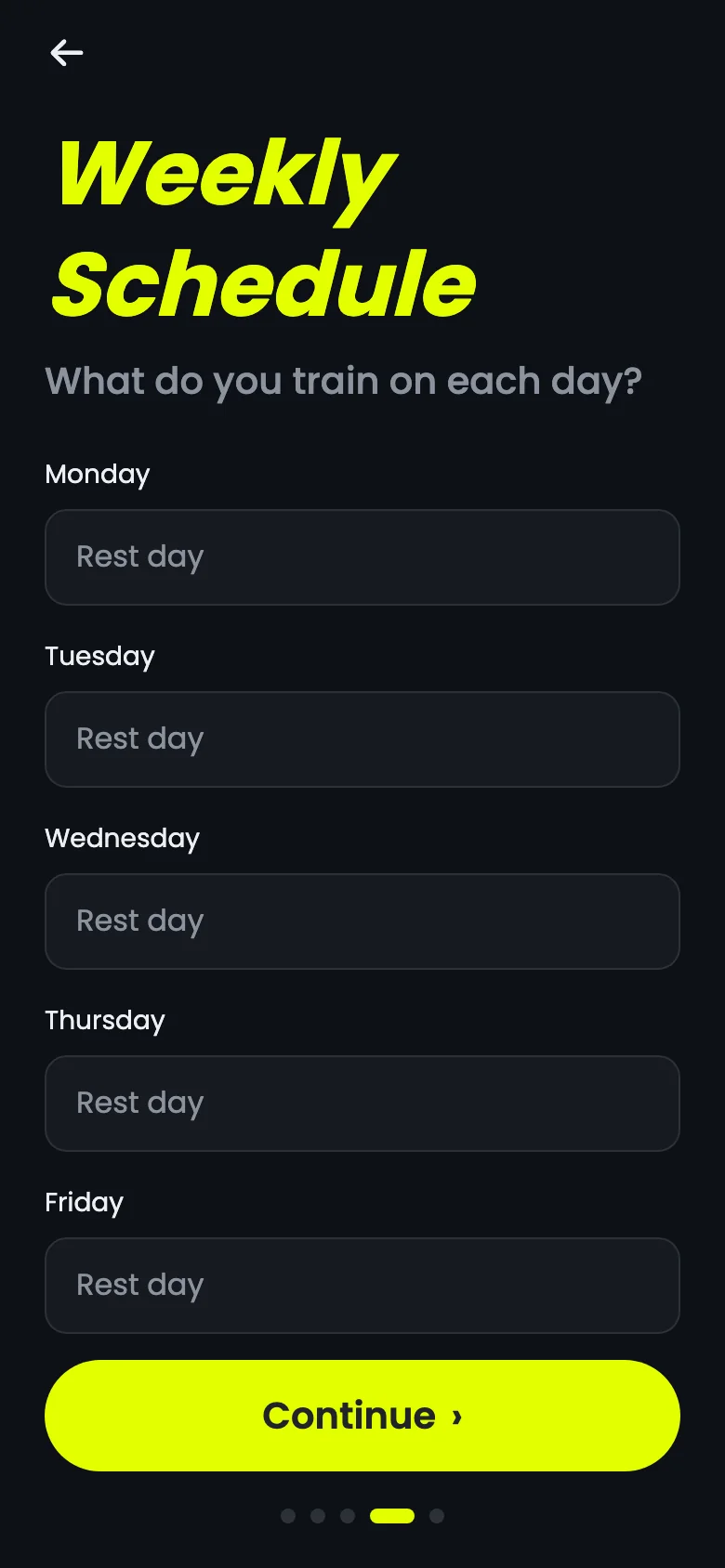
| Training schedule | /onboarding/training-schedule | Give each weekday a workout, or a rest day. |
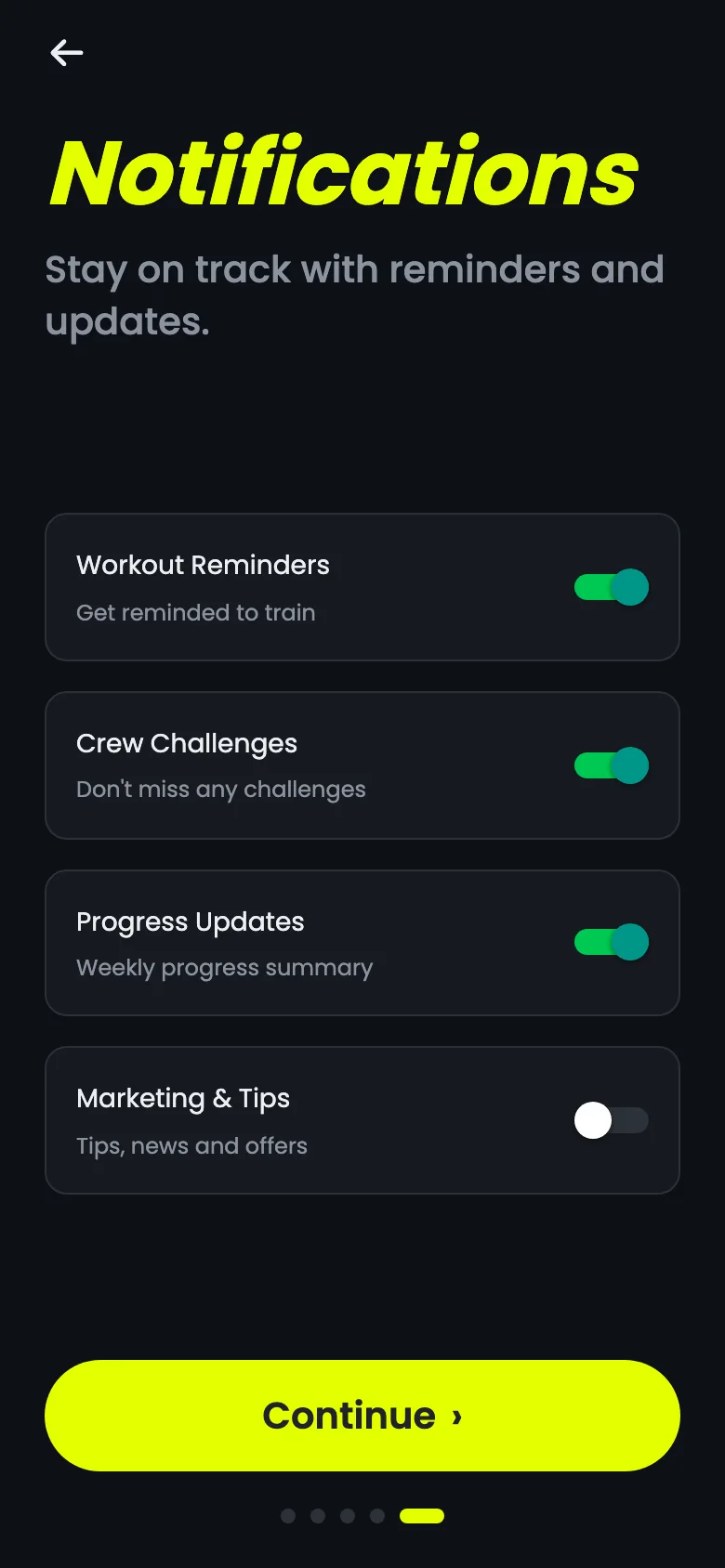
| Notifications | /onboarding/notifications | Choose which reminders and updates you want. |
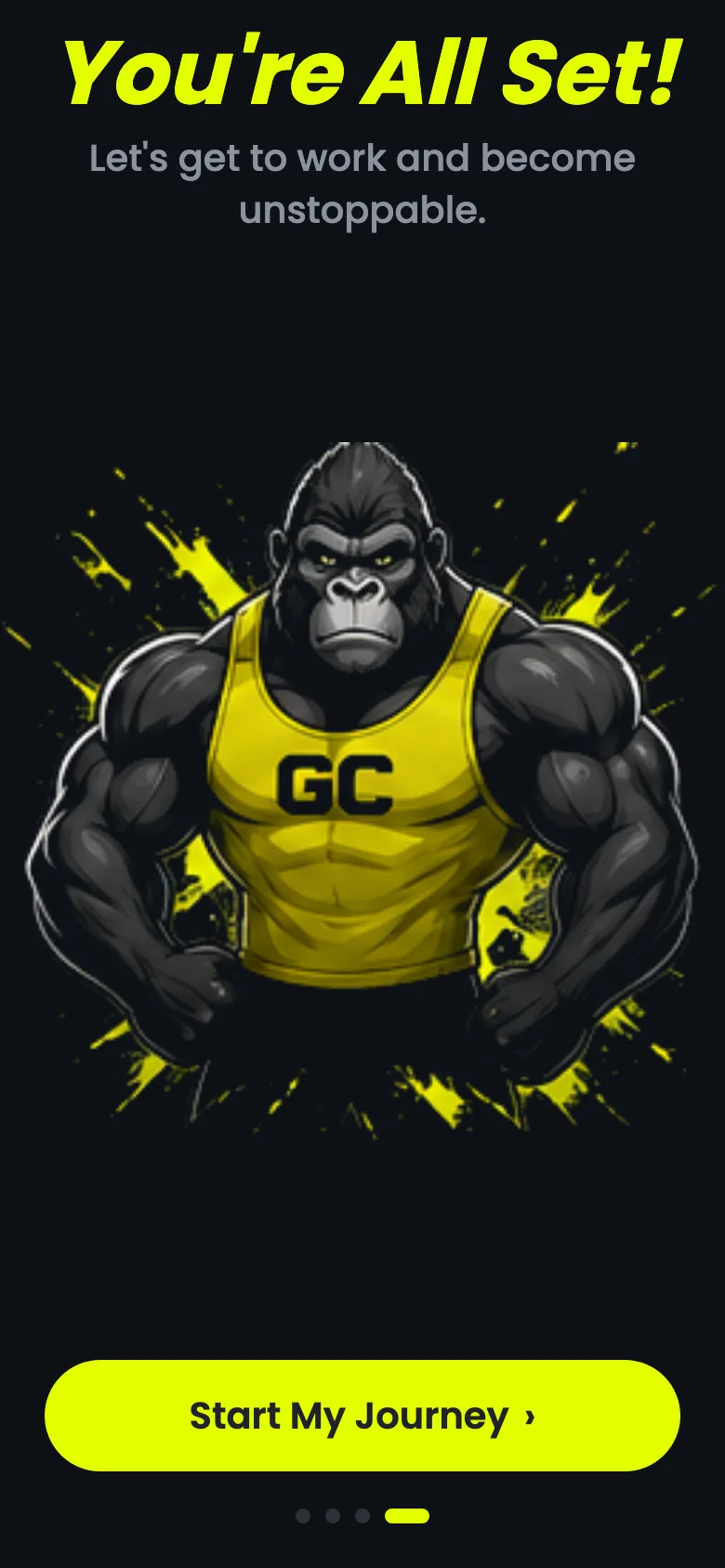
| All set | /onboarding/all-set | The last step of the wizard. |
| Crew setup intro | /build-crew | Introduces crews before you choose. |
| Choose your path | /build-crew/choose-path | Create a crew, join a crew or maybe later. |
| Create a crew | /build-crew/create | Name your crew, choose a training type and an icon. |
| Crew settings (setup) | /build-crew/crew-settings | Public or private, who can join, whether challenges and invitations are allowed and the maximum size. |
| Crew ready | /build-crew/crew-ready | Your crew is created and you get the invite code, with a copy button and share targets. |
| Join a crew | /build-crew/join | Enter an invite code, or open Discover. |
| Discover crews | /build-crew/discover | Browse public crews with their member counts and join instantly. A full crew is marked Full. |
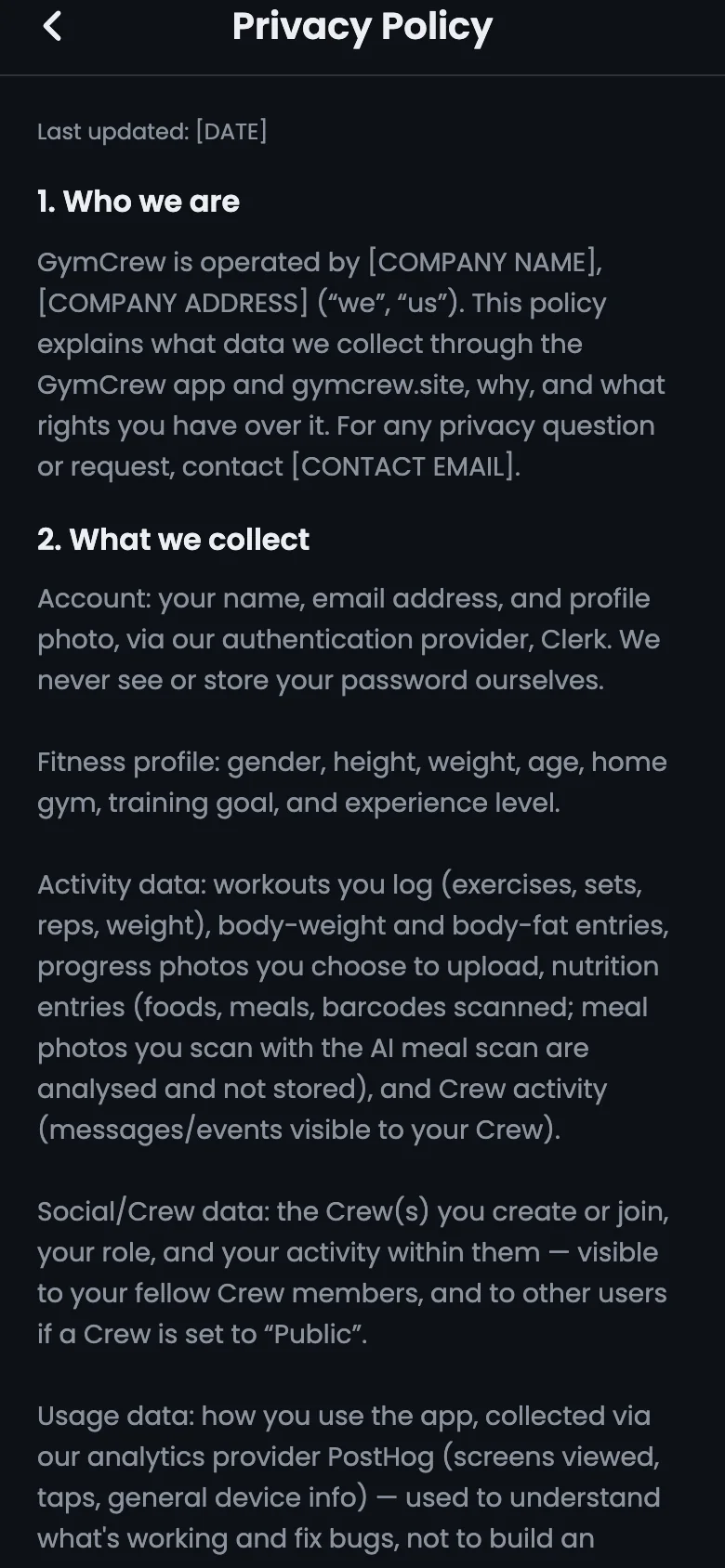
| Privacy policy | /legal/privacy | The privacy policy. |
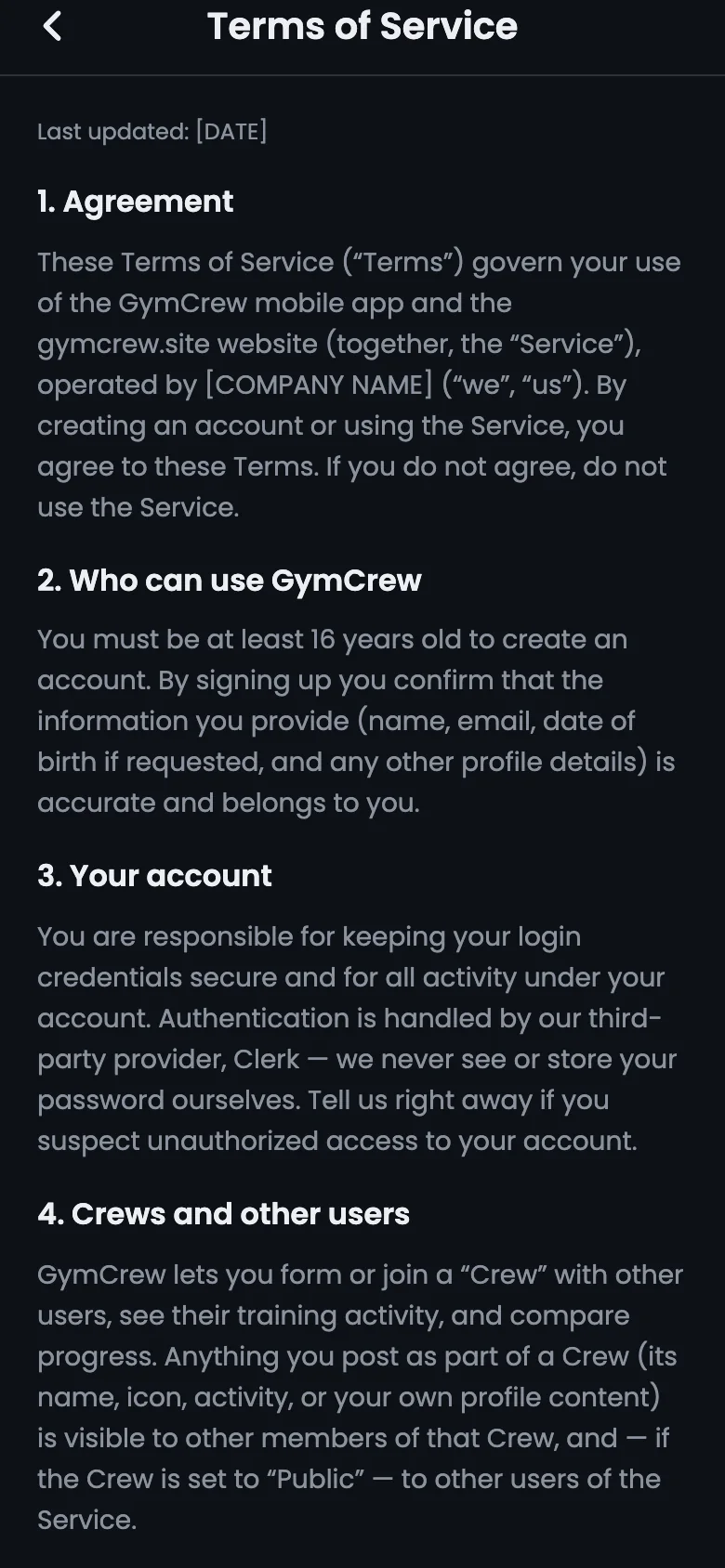
| Terms of service | /legal/terms | The terms of service. |
Screenshots